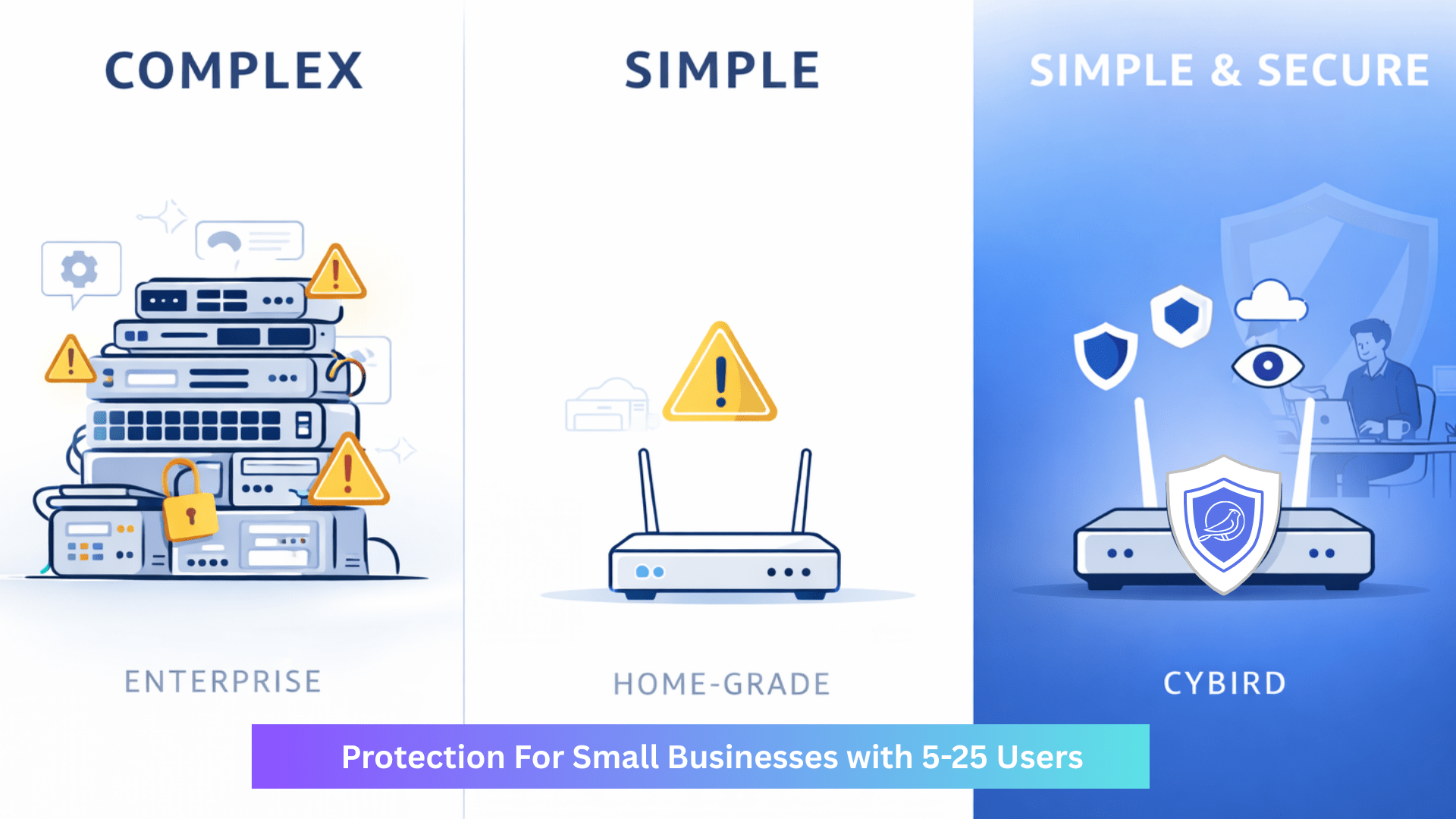
Small businesses rarely choose weak security. They end up there because the options feel extreme:
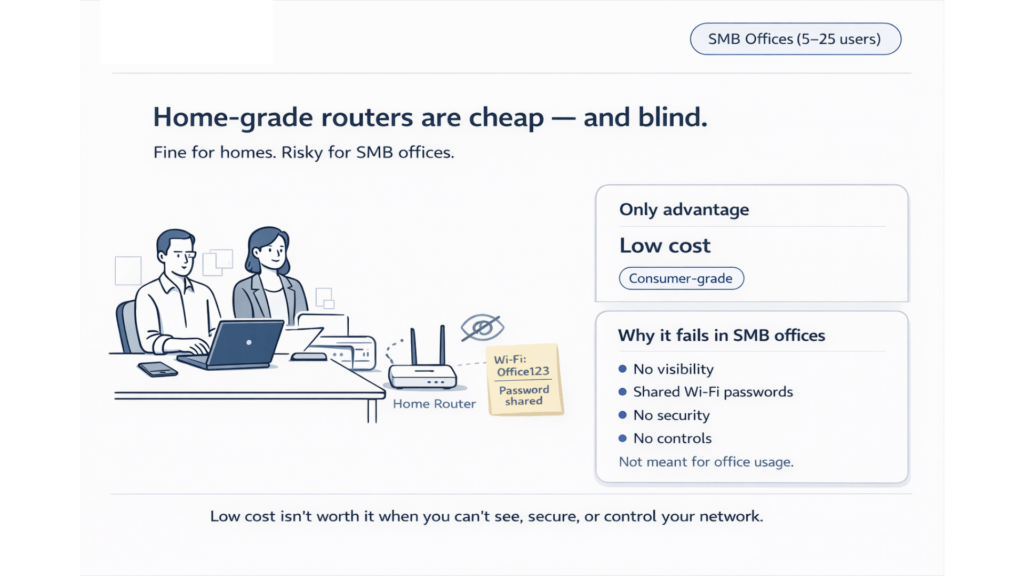
Home-grade routers are affordable, but they’re built for families—not offices.
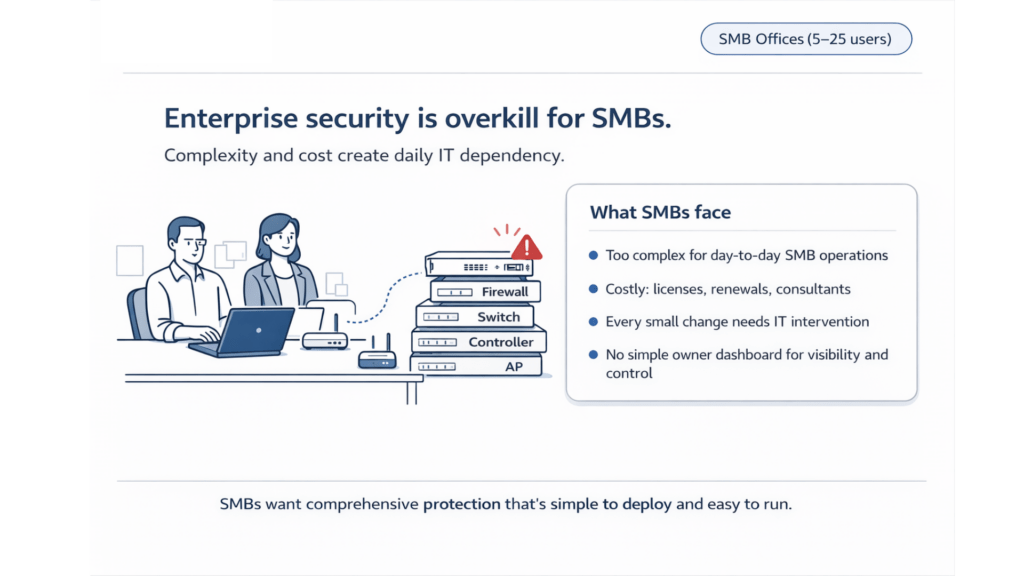
Enterprise firewalls are powerful, but often too complex and too costly for day-to-day SMB operations.
So what should an SMB office (5–25 users) do?
This article breaks down the real-world tradeoffs and what a “right-sized” network stack looks like for modern SMBs—especially businesses that handle sensitive client data like accounting firms, clinics, legal offices, stock brokers, agencies, and retail.
The hidden risk: SMB networks are now business-critical infrastructure
Ten years ago, a Wi-Fi outage was annoying. Today, it can stop your business.
Modern SMB offices run on:
cloud apps (Google Workspace / Microsoft 365)
online banking and payments
client document sharing
video calls
remote access
employee devices + guest devices
printers, CCTV, POS, smart TVs, IoT
Your router isn’t just “internet.” It’s the front door of your business.
If the network is weak, everything is weak—security, productivity, compliance, and customer trust.
Option 1: Home-grade routers — cheap, but blind
Home routers are popular because they’re easy to buy and quick to set up. For a small office, that feels like a win.
But the moment you put it in a business environment, the cracks show.
Why home routers fail in SMB offices
1) Shared Wi-Fi passwords (no identity)
Most SMBs end up using one password for everyone:
employees
interns
vendors
visitors
“that person who came last month”
That becomes impossible to manage:
you can’t remove access for one person without changing it for everyone
passwords get forwarded, saved, reused, and never rotated
you lose accountability
2) No visibility
When something slows down or something looks suspicious, the usual answer is:
“I don’t know what’s happening.”
Common questions a home router can’t answer cleanly:
Who is connected right now?
Which device is consuming bandwidth?
What new device showed up today?
Is this phone a personal phone or office device?
Are employees using risky sites?
What is that unknown device with a random name?
3) No security posture (beyond basic NAT)
Home routers were not designed to:
block phishing domains
detect suspicious behavior patterns
protect against common SMB threat types
provide business-grade policy controls
4) No business controls
SMBs often want simple controls like:
block risky categories (adult, gambling, malware)
isolate guest Wi-Fi properly
schedule access (e.g., restrict after hours)
enforce safe remote access
set policies without needing an IT person
Home routers usually don’t provide these controls cleanly—if at all.
Bottom line: Home routers optimize for affordability, but SMBs need visibility + control + protection.
Caption: Home routers are cheap—but they don’t give SMB owners visibility, security, or control.
Option 2: Enterprise firewalls — powerful, but often overkill
At the other extreme: enterprise firewalls from large vendors.
These solutions can be excellent—for the right organizations.
But many SMB offices struggle with them because they’re built for environments with:
dedicated IT teams
security engineers
ongoing policy tuning
ongoing license management
ongoing renewals and add-ons
Where SMBs feel the pain
1) Complexity
Enterprise firewalls come with hundreds of settings, policies, and features.
That can be good—until it becomes:
confusing to deploy
hard to maintain
easy to misconfigure
dependent on specialists
2) Cost (beyond the initial box)
The visible cost is the hardware.
The hidden cost is everything else:
yearly subscriptions
security feature bundles
add-on licenses
support renewals
professional services
IT time (or outsourced time)
3) Every small change needs IT intervention
Even simple business needs can become tickets:
adding a guest network
restricting access for a user
setting policies for a new device
enabling remote access safely
That means:
delays
cost
distractions
lost productivity
Bottom line: Enterprise firewalls deliver strong capability, but many SMB offices need right-sized security that’s easier to run.
Caption: Many SMBs don’t need more features—they need fewer headaches.
What SMBs actually want: enterprise outcomes with SMB simplicity
SMB owners and managers want results, not complexity:
reliable business Wi-Fi
clear visibility into devices
protection from common threats
simple controls they understand
remote access that’s safe
cloud management
predictable pricing
They want a system that:
deploys quickly
runs quietly
doesn’t require constant tuning
doesn’t need a full-time IT admin
The “right-sized” model for SMB offices (5–25 users)
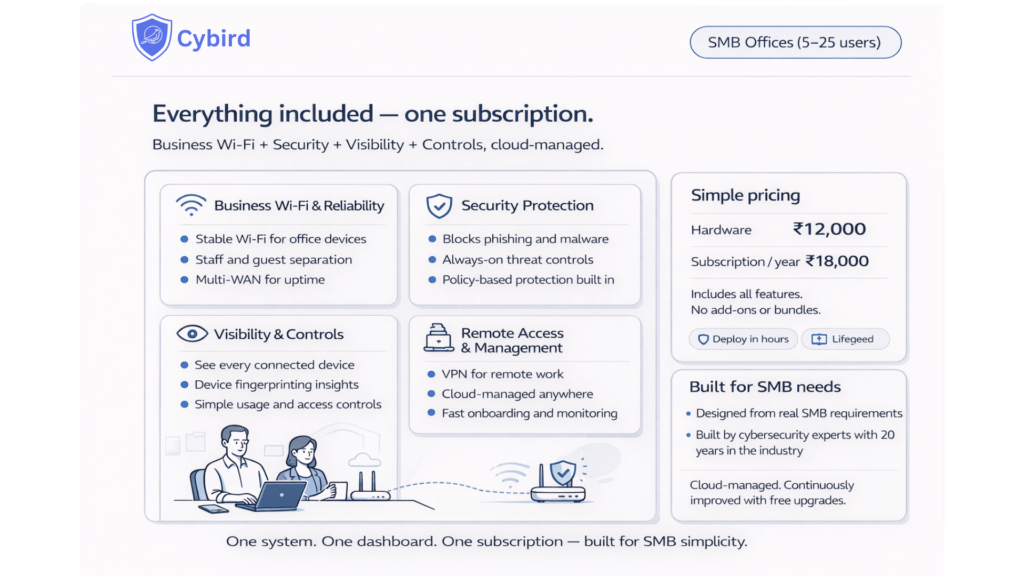
A practical SMB network security stack should include:
1) Business Wi-Fi built for offices
stable wireless performance across laptops/phones/printers
guest vs staff separation
reliable uptime (multi-WAN helps if internet drops)
2) Always-on security
phishing and malware blocking
threat controls at the network layer (not just on devices)
sensible default policies for SMB risk
3) Visibility that the owner can understand
see every device
identify unknown devices
understand high-level usage
simple dashboard outcomes, not raw logs
4) Easy controls
guest access controls
category filtering
device-based policies
schedules (optional)
minimal configuration effort
5) Safe remote access
VPN that is easy to enable and manage
not “open ports and hope”
6) Cloud management (built-in)
simple onboarding
remote updates
centralized monitoring
MSP-friendly operations
Why Cybird is built for this exact gap
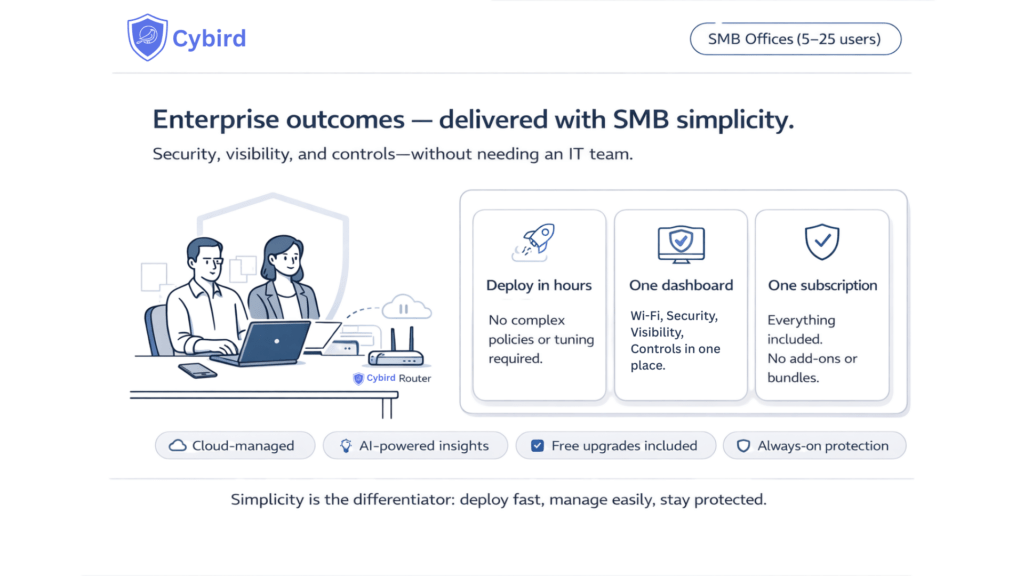
Cybird was designed specifically for SMB offices that need:
business Wi-Fi + security + visibility + controls
without enterprise complexity
and without home-router blindness
Cybird’s approach (high level)
Cloud-managed: manage networks remotely, without being onsite
AI-powered insights: make visibility understandable, not just data
Built-in security controls: always-on protection for common SMB threats
Simple owner dashboard: visibility and actions without needing an IT expert
Free upgrades: new features continue to roll out without forcing a rebuild
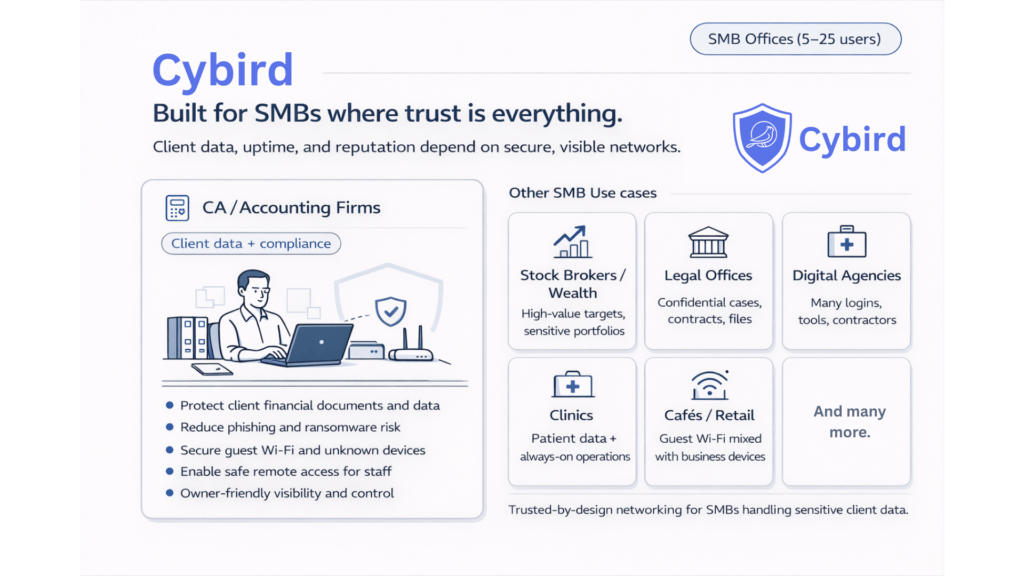
Caption: Designed for offices handling sensitive client data—without enterprise overhead.
Who benefits most: SMBs where trust is everything
If your business handles sensitive client information, the network is part of your reputation.
Cybird is ideal for:
CA / Accounting firms (client financial documents and compliance)