
Unrestricted internet access at work sounds flexible and friendly, but for a small business it can quietly drain productivity and open the door to security and HR trouble.
Employees can spend hours on social media or streaming video. A single click on a sketchy site can bring in malware or lead to an awkward conversation with HR or even a legal complaint. All of this is happening over your office Wi-Fi, under your company’s name.
That is exactly where modern web content filtering helps. With simple policies based on category and time of day, small and mid-sized businesses can keep people focused during work hours and reduce risk from dangerous or inappropriate sites – without turning the office into a police state.
This article walks through:
- Why “open internet” at work is risky
- How category and time-based filtering improves productivity
- How it reduces security and legal risk
- Examples of practical policies for SMBs
- How Cybird’s category-based filtering helps you put this into practice
Alternate formats of this blog
The problem: Open internet at work
Most SMBs start with a simple setup: one broadband line and a Wi-Fi password shared with the team. No restrictions, because:
- “We trust our people”
- “We are too small for hackers to care”
- “Filtering is complicated and expensive”
In reality, three things happen over time:
- Productivity quietly drops
- Social media scrolling during working hours
- Long YouTube or streaming sessions “in the background”
- Non-work shopping, gaming or news sites open all day
- Security exposure increases
- Ads on free streaming or pirated content sites can carry malware
- Fake download buttons on file-sharing sites trick users
- Phishing pages use lookalike domains that are easy to click
- HR and legal risk creeps in
- Employees access adult or hateful content from office Wi-Fi
- Colleagues feel uncomfortable or harassed
- The business can be pulled into complaints or investigations
All of this happens on a link you pay for, using the IP address and Wi-Fi that represents your brand.
What is web content filtering?
Web content filtering lets you control:
- What categories of sites or apps people can access
- When they can access them
- From which networks or profiles (for example, staff vs guest vs IoT)
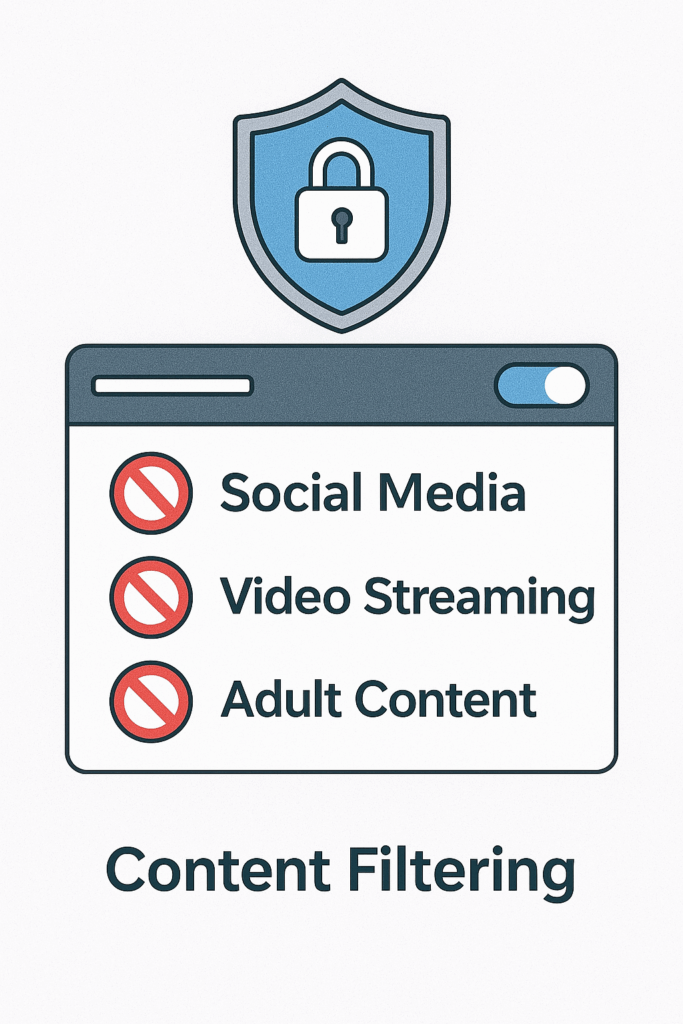
Instead of manually listing every site to block, modern solutions use URL and domain categories, such as:
- Social media
- Video and streaming
- Adult and explicit content
- Gambling
- Malware and phishing
- Illegal or hateful content
- Games
- Cloud storage and file sharing
Your business applies policies like:
- “Block adult content and gambling at all times”
- “Limit social media and video streaming during office hours”
- “Block known malware and phishing domains always”
The filtering runs on the network, so it works on laptops and phones without needing to install agents on every device.
Benefit 1: Keeping people focused during work hours
You will never remove 100 percent of distractions, but soft boundaries make a big difference.
Typical productivity issues
- Team members keeping YouTube or OTT streaming open all day
- Staff checking personal social media every 10 minutes
- Online gaming during slow periods
- Long personal shopping or travel planning sessions during office time
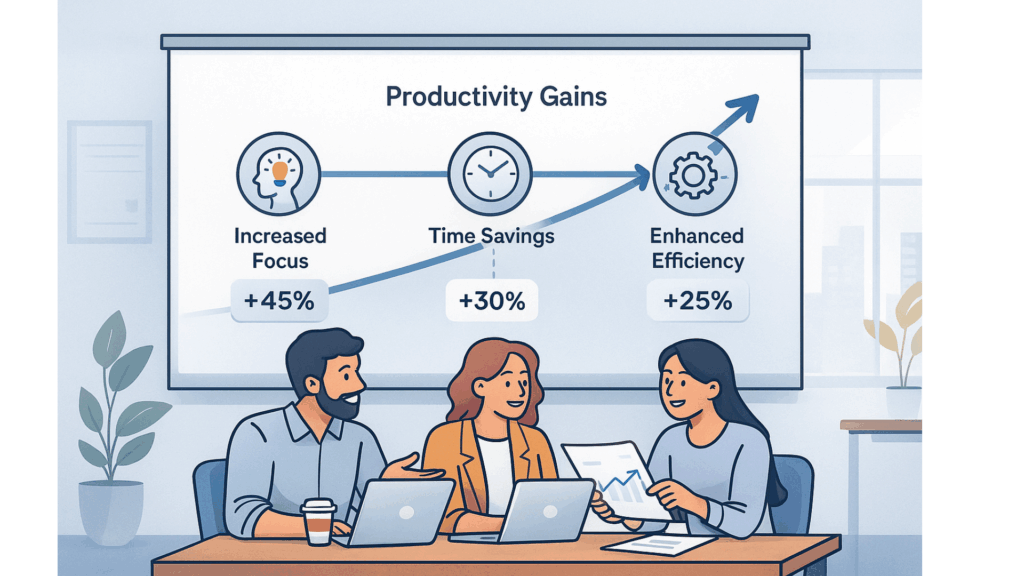
Even if each person loses only 30–45 minutes a day, across a team of ten that is several days of lost work every month.
How category and time-based filtering helps
Instead of banning everything, you can tune policies to your culture.
Examples:
- Office hours policy (example: 9:00–18:00)
- Allow: work sites, email, collaboration tools, banking, utilities
- Restrict: social media, video streaming, gaming sites
- Always block: adult, gambling, known malware and phishing
- Lunch break and after-hours
- Relax: allow social media and video during 12:30–13:30
- Relax more after 18:00 or on guest Wi-Fi, if it fits your culture
This keeps people focused when it matters most, while still feeling fair and human.
Real example: The “background YouTube” office
Imagine a ten-person team where three people keep YouTube or other video streams running in the background all day. They are not always watching, but they frequently switch tabs, click recommendations and get distracted by new videos.
With category and time-based filtering:
- Streaming is limited during core hours
- The team can still use video for work (for example, training or vendor webinars) if domains are allowed or whitelisted
- Personal streaming moves to lunch breaks or after work
The result is less micro-distraction and a calmer, more focused environment.
Benefit 2: Reducing security and legal risk
Productivity is only half of the story. Some sites are not just distracting, they are dangerous.
How risky sites show up in real life
A few examples that often surprise SMB owners:
- Malicious ads on sketchy video or download sites
A user visits a free streaming site. An ad pops up with a “Download player update” link. The file is actually malware that steals browser passwords. - Fake tech support websites
An employee searches “printer fix download” and lands on a cloned support page that tries to install remote-control malware. - Adult or illegal content at work
Someone accesses adult sites on office Wi-Fi. Even if no one complains, logs and screenshots can become evidence in HR investigations or legal disputes later. - Gambling and high-risk financial schemes
Staff access online casinos or shady investment platforms, sometimes using company devices. If fraud or data theft occurs, your network can be implicated.
How filtering reduces these risks
With category-based filtering:
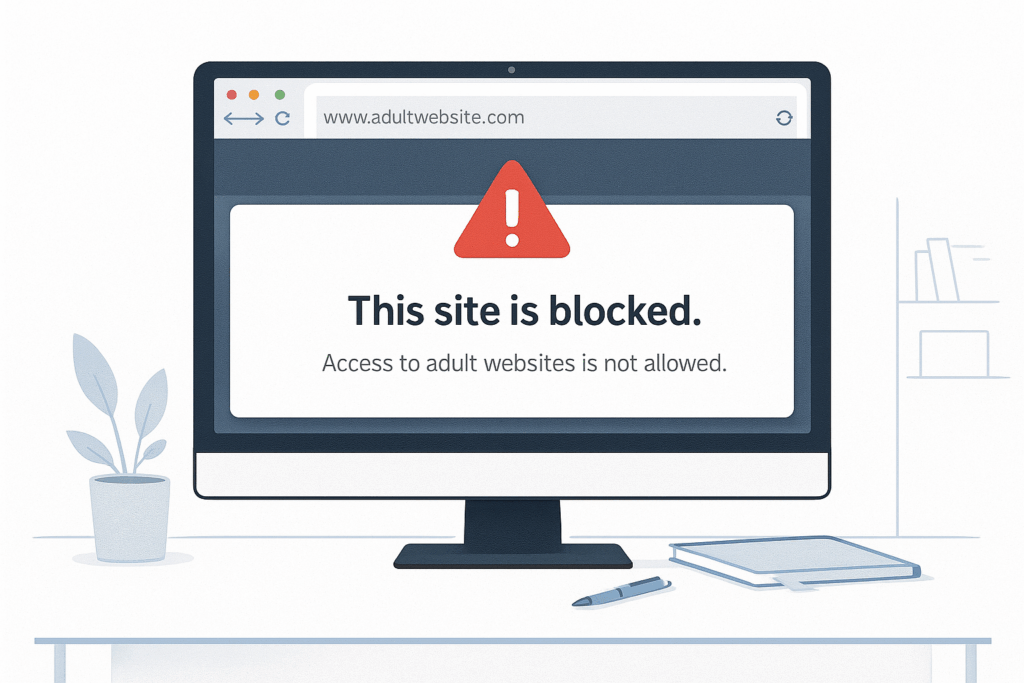
- Adult content and gambling can be completely blocked on staff networks
- Malware and phishing domains are blocked before the browser connects
- Illegal or hateful content is restricted to reduce HR and compliance exposure
- High-risk file-sharing or stream-ripping sites can be blocked, reducing chances of drive-by downloads
This is not a replacement for antivirus or endpoint security, but it is a powerful first filter at the network edge. Many threats are stopped before they even reach laptops or phones.
Real-world scenarios for SMBs
Here are a few realistic situations where content filtering changes the outcome.
Scenario 1: The small accounting firm
- Team: 12 people working with sensitive financial data
- Problem: One staff member regularly streams sports on shady sites with aggressive ads
- Risk: Malware infection that could steal client data or ransomware the file server
With content filtering:
- Gambling and sports streaming categories are blocked
- Known malware and phishing domains are blocked
- The firm reduces its attack surface without needing to monitor each user manually
Scenario 2: Café or co-working space with guest Wi-Fi
- Problem: Guests access adult or illegal content on open Wi-Fi
- Risk: Complaints from other customers, brand damage, police investigations if something serious happens
With content filtering:
- Adult, hate, illegal content and known malware domains are blocked on guest Wi-Fi
- The owner can honestly say they are taking reasonable steps to keep Wi-Fi safe and family friendly
Scenario 3: Growing startup with a young team
- Problem: Heavy social media use and constant video streaming during the day
- Result: Deadlines slip, but no one wants to micromanage usage manually
With content filtering:
- Social media and streaming are limited during core hours
- Relaxed access is allowed during lunch or outside work time
- Management sets policy once, instead of watching over everyone’s shoulder
What to look for in a content filtering solution
For SMBs and MSPs, a useful solution should offer:
- Category-based filtering
- Pre-built categories like social media, streaming, adult, gambling, malware, phishing, illegal content
- Ability to add your own domains to allow or block lists
- Time-based rules
- Different policies during office hours, lunch breaks and after-hours
- Weekday vs weekend rules where needed
- Profile or group-based policies
- Separate policies for staff Wi-Fi, guest Wi-Fi and IoT devices
- Optional stricter rules for certain departments (for example, finance or HR)
- Simple reporting
- High-level view of which categories are most accessed or blocked
- Ability to spot unusual spikes in risky categories
- Easy management
- Cloud dashboard instead of logging into each router
- Changes applied quickly across one or many locations
How Cybird helps
Cybird is built for small businesses and MSPs that want enterprise-style protection without enterprise complexity.
With Cybird’s category-based filtering you can:
- Block adult, gambling, malware, phishing and illegal content on business and guest Wi-Fi
- Limit social media, video and gaming during working hours, while relaxing rules at lunch or after work
- Apply different policies to staff, guest and IoT profiles
- Get a simple view of which categories are being accessed or blocked, so you can tune policies without guesswork
Because filtering is done at the network level, you do not need to install agents on every device. Phones, laptops and tablets that use your Cybird Wi-Fi benefit automatically.
Rolling it out without creating friction
Technology is only half of the solution. To make content filtering work in a real office:
- Set clear objectives
- “We want fewer distractions during core hours.”
- “We want to block risky and inappropriate content to protect the company and staff.”
- Agree on fair rules
- Involve HR or team leads
- Decide what is blocked always and what is only restricted during work hours
- Communicate with the team
- Be transparent: explain the “why” clearly
- Emphasize protection and fairness, not surveillance
- Start soft and adjust
- Begin with blocking obvious risky categories like adult, gambling and malware
- Then tighten time-based rules for social media or streaming if needed
- Review and refine
- Look at high-level category reports every month
- Fine-tune policies based on what you see and feedback from the team
Conclusion: Safer and more focused browsing for your business
Unrestricted internet at work may feel simple, but it often leads to lost time, avoidable security incidents and uncomfortable HR situations.
Web content filtering gives you a balanced way to:
- Keep people focused during work hours
- Reduce exposure to malware, phishing and inappropriate content
- Protect your brand and your network, even on guest Wi-Fi
With the right policies and tools such as Cybird’s category-based filtering, you can turn your office Wi-Fi into a safer, more efficient environment for everyone who uses it.

Founder & CEO of Cybird.